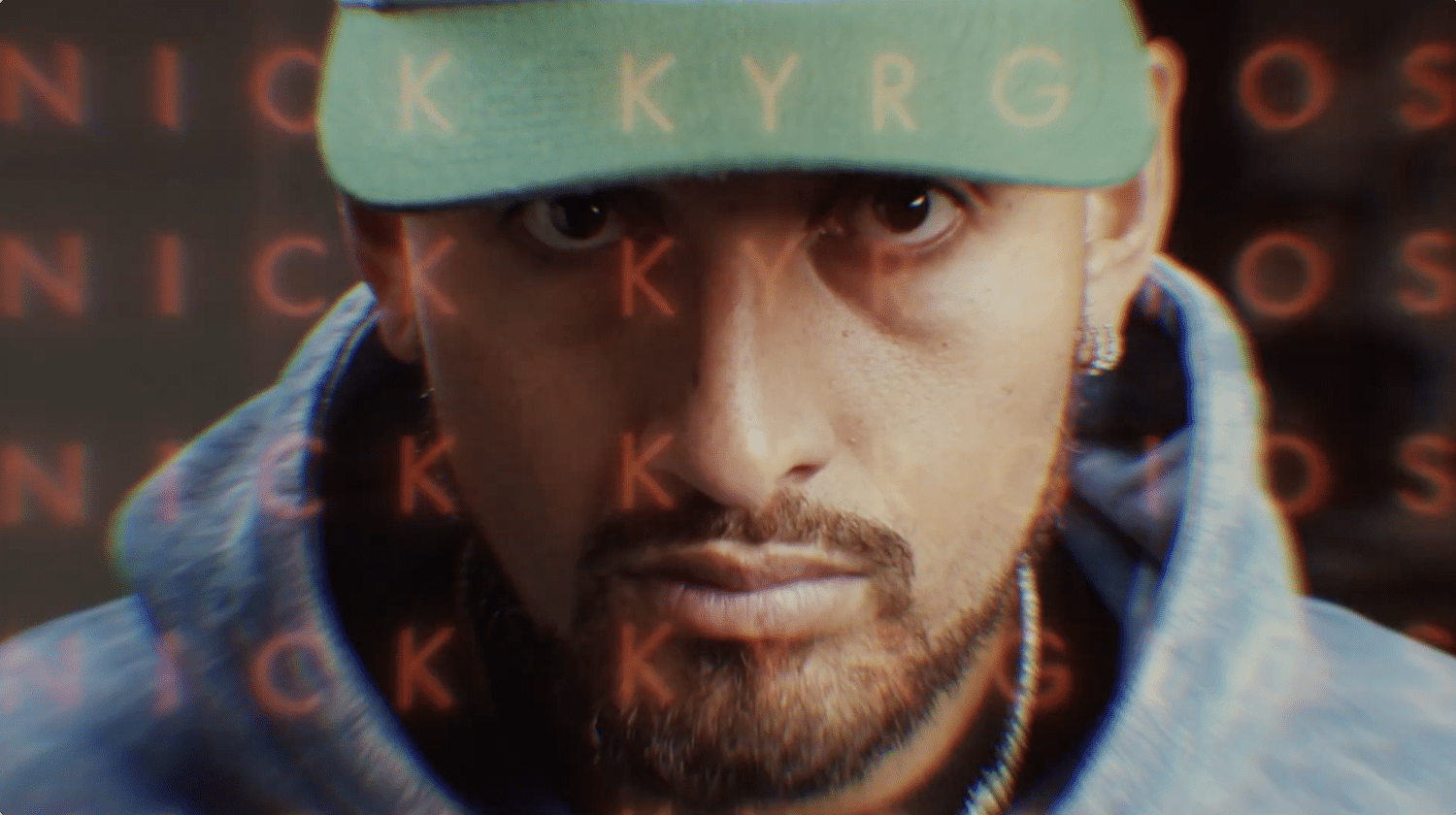
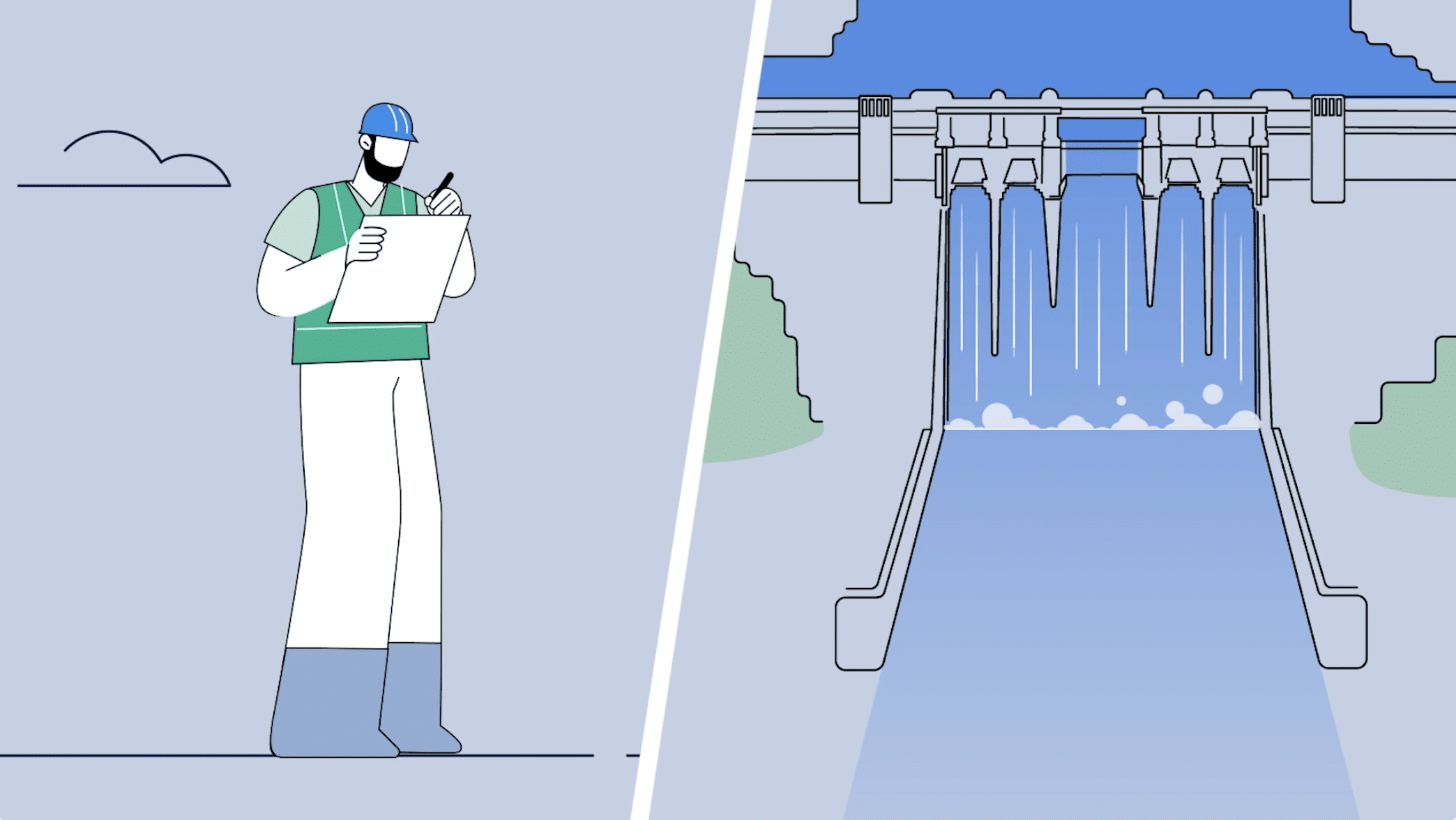
B-roll is supplementary footage used alongside a video’s primary footage, known as A-roll, to provide context, illustrate key points and strengthen visual storytelling. It can include anything from workplace activities and product close-ups to event highlights, location shots and behind-the-scenes moments.
Effective B-roll is about choosing shots that support the video’s message, not simply adding attractive visuals. A wide shot can establish a location, a medium shot can show an activity in progress, and a close-up can draw attention to important details. These shots also give editors useful cutaways to connect scenes, cover edits and maintain visual continuity.
At 1 Minute Media, we consider how supporting footage contributes to the overall story during production planning. Whether it’s a corporate video, promotional campaign, event highlight or interview, purposeful B-roll helps connect what viewers see with the message being communicated.
In this guide, we’ll explore how thoughtful B-roll selection can improve storytelling, support different video formats and create smoother, more cohesive edits.
Table of Contents
How B-Roll Adds Visual Variety to Video Content
B-roll adds visual variety by showing different perspectives, actions and details that complement a video’s main footage. Instead of relying on one camera angle or a continuous sequence, editors can use supporting shots to reveal more about the subject and maintain the viewer’s interest.
The key is to vary shot types with a clear purpose:
- Wide shots establish the location and help viewers understand where the action takes place.
- Medium shots show people interacting, working or performing activities within their environment.
- Close-up shots highlight expressions, products, equipment or details that might otherwise go unnoticed.
- Movement shots follow an action or reveal a space, adding energy when camera movement serves the story.
For example, a corporate video about a manufacturing business might combine a wide shot of the facility, a medium shot of an employee operating machinery and close-ups of the production process. This sequence gives viewers a clearer understanding of the business than a single shot of the workplace.
At 1 Minute Media, our production planning considers the visual requirements of each project. Selecting a useful mix of establishing shots, action footage and close-up details helps create supporting footage that editors can use to build a more complete visual story.
Visual variety works best when each shot adds information or reinforces the message. Adding footage purely for decoration can distract viewers rather than improve the video.
How B-Roll Strengthens Video Storytelling
B-roll strengthens video storytelling by showing viewers the people, places and actions behind a message. Rather than relying entirely on narration, dialogue or on-screen text, relevant supporting footage provides visual context and helps audiences understand what’s being communicated.
The most effective B-roll is selected around the story’s key points. For example, a promotional video for a hospitality business might use a wide shot to establish the venue, medium shots to show staff interacting with guests and close-ups to highlight food preparation or service details. Each shot reveals something different about the customer experience.
Matching B-Roll to the Message
Shot selection should begin with what the audience needs to understand.
In a corporate video, footage of employees collaborating can support a message about teamwork. In a product video, close-ups of important features can demonstrate how the product works. For an event recap, shots of speakers, audience reactions and key activities can help communicate the atmosphere and significance of the occasion.
B-roll is also valuable in interview-led videos. When someone describes a process, service or achievement, showing the relevant activity gives viewers a clearer picture of what they’re discussing. The footage should illustrate or substantiate the speaker’s point rather than simply fill time on screen.
Capturing effective interview footage also depends on having the right professional video interview equipment.
At 1 Minute Media, considering the video’s objectives during pre-production helps inform which supporting shots will be most useful. Planning B-roll around the intended message allows the production team to capture footage that contributes to the story and gives editors meaningful visual options.
Ultimately, strong B-roll doesn’t just make a video look more polished. It helps viewers understand the subject by showing details that words alone may not communicate as effectively.
How B-Roll Improves Video Editing and Continuity
B-roll gives editors greater flexibility by providing alternative footage that can connect scenes, cover cuts and maintain a natural visual flow. This is particularly useful in interviews, corporate videos, promotional content and other productions where footage needs to be shortened or rearranged without disrupting the viewer’s experience. It’s one of several video editing techniques that help create a more cohesive final video.
For example, removing a pause or unnecessary sentence from an interview can create a visible jump cut, where the speaker’s position changes abruptly between shots. Placing relevant B-roll over the edit allows the dialogue to continue while showing viewers something that supports the conversation.
Using Cutaways to Create Smoother Edits
A cutaway is a shot that temporarily shifts attention away from the main action or subject. Editors use cutaways to:
- Cover jump cuts: Hide visible changes between edited sections of an interview or presentation.
- Bridge scenes: Connect different locations, activities or moments without an abrupt visual transition.
- Illustrate dialogue: Show the product, process or environment being described while narration or interview audio continues.
- Adjust pacing: Break up longer sequences and give viewers time to absorb important information.
The choice of cutaway matters. If an employee discusses a quality-control process, footage of the actual inspection is more useful than an unrelated shot of the office.
Planning B-Roll for Visual Continuity
Good editing flexibility starts during filming. Capturing an action from several angles gives editors more options to construct a sequence while preserving its logical progression.
For example, a product demonstration might include a wide shot of the workstation, a medium shot of the person using the product and a close-up of a key action. Recording enough footage before and after each action makes it easier to choose clean edit points.
Continuity also depends on details such as screen direction, lighting and the position of objects. If someone moves from left to right in one shot, an unrelated change in direction in the next shot may make the sequence feel disjointed.
For 1 Minute Media’s video productions, considering these editing requirements during pre-production helps inform the supporting footage needed on set. Purposeful B-roll coverage provides more flexibility in post-production and reduces reliance on footage that doesn’t directly support the story.
The result is a more cohesive edit where supporting visuals feel like a natural part of the video rather than a way to disguise cuts.
How B-Roll Builds Emotional Connection
B-roll can make video content more relatable by capturing genuine expressions, interactions and details that help viewers connect with the story. Rather than relying on dialogue or narration to communicate emotion, supporting footage allows audiences to see how people experience a moment.
For example, an event highlight video might include audience reactions, spontaneous conversations and behind-the-scenes preparations alongside footage of the main event. In a customer testimonial, showing someone using a product or interacting with a service can make their experience more tangible.
Capturing Authentic Moments
Effective emotional B-roll comes from observing meaningful moments rather than simply filming people smiling at the camera.
Useful shots might include:
- Natural interactions: Colleagues collaborating, customers engaging with staff or participants sharing an experience.
- Facial expressions and reactions: Genuine moments of concentration, excitement, relief or celebration.
- Environmental details: The surroundings and small visual elements that help establish the atmosphere.
- Actions that support the message: People using a product, completing a task or experiencing the outcome being discussed.
Shot selection and timing are important. A close-up of someone’s reaction can communicate emotion, while a wider shot can reveal the situation that gives that reaction meaning. Used together, these perspectives provide context without forcing an emotional response.
For 1 Minute Media’s corporate, promotional and event video productions, identifying opportunities for authentic supporting footage is a valuable consideration during shoot planning. Capturing relevant interactions and details gives editors more ways to communicate the human side of a story.
The goal isn’t to make every scene emotional. It’s to select footage that reflects the subject honestly and helps viewers understand why the story matters.
Tips for Planning and Capturing Effective B-Roll
Capturing effective B-roll starts before the camera rolls. Planning shots around the video’s objectives helps ensure the footage supports the story and provides enough coverage for editing.
At 1 Minute Media, pre-production planning is an important part of our video production process. Considering the message, filming environment and intended final video helps determine which supporting shots will be most valuable.
Create a Purposeful B-Roll Shot List
A shot list should identify the people, activities, locations and details that need to appear in the video.
For example, a corporate video about a new service might require footage of staff interacting with customers, the service being delivered and close-ups of relevant tools or processes. These shots should illustrate specific points in the script or interview rather than simply fill screen time.
Aim to capture a combination of establishing shots, medium shots and close-ups so the editor has different perspectives to work with.
Capture Enough Coverage for Editing
Whenever practical, film important actions from multiple angles and allow each shot to run long enough to provide clean editing options.
For a workplace demonstration, this might mean capturing the full activity in a wide shot, repeating a key step for a close-up and recording additional details that help explain the process.
Pay attention to continuity between takes, including the position of objects, the direction of movement and the sequence of actions. Inconsistent details can make footage difficult to combine convincingly.
Maintain Consistent Camera Settings
B-roll should feel visually connected to the rest of the production. Before filming, check:
- Frame rate and resolution: Use settings appropriate for the project and intended delivery format. Higher frame rates can provide slow-motion options when planned for in advance.
- White balance: Avoid unintended colour shifts between shots filmed under different lighting conditions.
- Exposure and colour profile: Keep footage consistent with the main camera setup, particularly when using multiple cameras.
- Focus and camera movement: Ensure the subject remains clear and that movement contributes to the shot rather than distracting from it.
For 1 Minute Media’s professional productions, these technical considerations are relevant when working with cinema-grade camera equipment and preparing footage for post-production.
The most useful B-roll is footage captured with a clear purpose: it supports the message, matches the visual style and gives editors the coverage needed to build a cohesive video.
Making B-Roll Work for Your Video Content
Effective B-roll is about more than capturing visually appealing footage. Thoughtful shot selection helps communicate a video’s message, provide context and give editors the flexibility to create smooth, cohesive sequences.
At 1 Minute Media, we approach B-roll as part of the wider production process, considering the story, filming requirements and editing needs from the planning stage. Combining purposeful footage with professional camera work and post-production expertise helps create videos that are both visually engaging and meaningful to their audience.
Whether you’re producing a corporate video, promotional campaign or event highlight, the right B-roll can make a significant difference to the finished result. If you’re planning your next video project, contact 1 Minute Media for a quote to discuss how we can bring your ideas to life.
Frequently Asked Questions About B-Roll Footage
What is the difference between A-roll and B-roll?
A-roll is the primary footage that carries a video’s main message, such as an interview or presenter speaking to camera. B-roll is supplementary footage that adds context, illustrates details and helps connect scenes.
What are some examples of B-roll footage?
Common examples include workplace activities, product close-ups, establishing shots, behind-the-scenes footage, customer interactions and event highlights.
Why is B-roll important in corporate videos?
B-roll helps show the people, environments, products and processes being discussed. It gives viewers visual evidence of a business’s operations and provides editors with footage that supports a clear, engaging narrative.