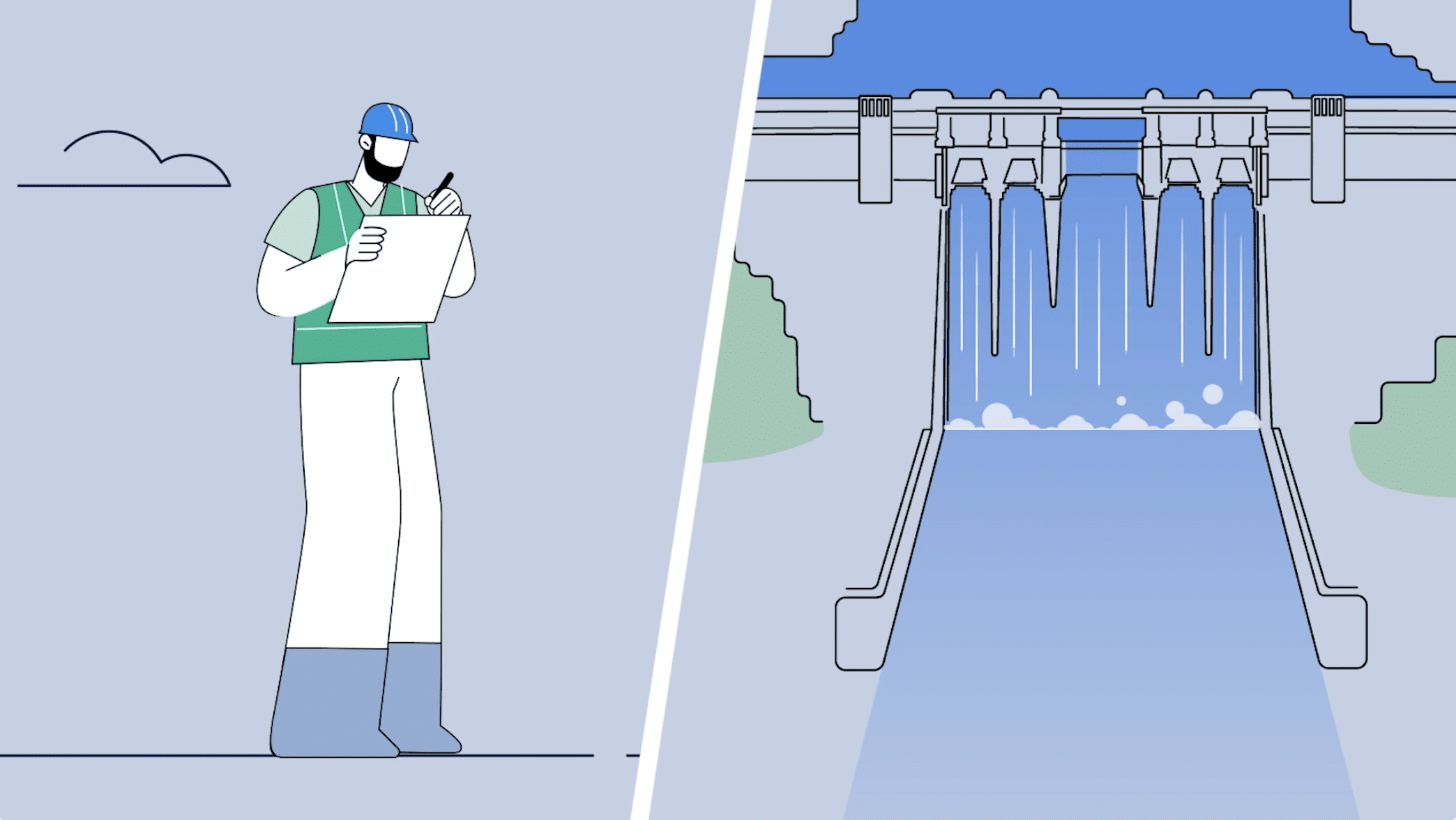
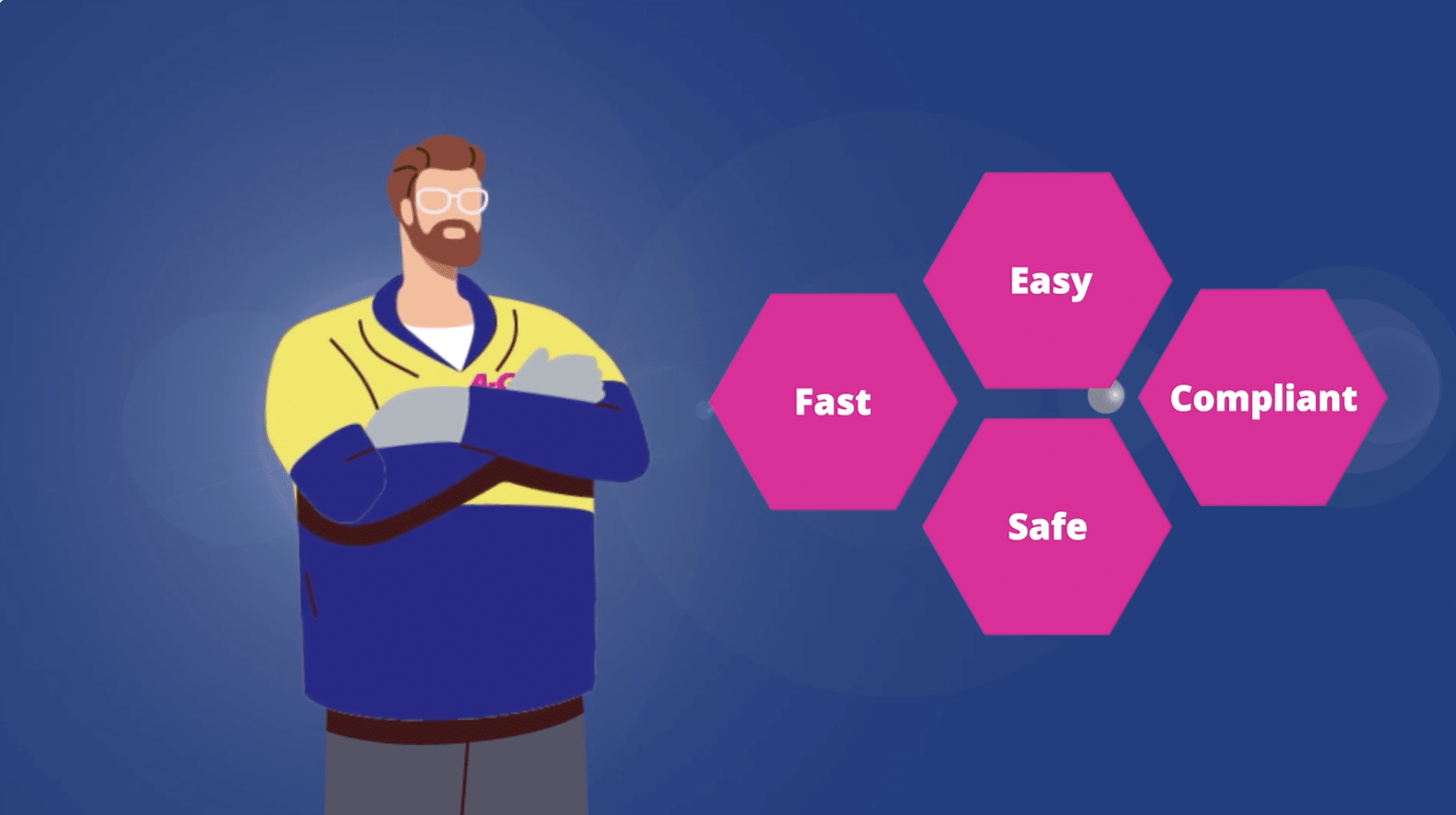
A storyboard is a visual plan that shows how an animation will unfold, scene by scene, before production begins. It uses a sequence of illustrated panels to map out key actions, camera framing, transitions and the order in which information appears. Storyboards are important because they turn a script or creative concept into a visual sequence that can be reviewed and refined before animation starts.
A script explains what an audience will hear or read, but it doesn’t always show how those ideas will appear on screen. Storyboarding bridges that gap. It helps the production team decide which visuals best communicate each message, how scenes connect and where changes in pacing or composition are needed.
At 1 Minute Media, we use storyboards to develop and communicate the visual direction of our animation projects. They give our team and clients a shared reference for discussing scenes, identifying gaps and refining ideas before the more time-intensive animation work begins. In this article, we’ll explore how storyboards support the creative process, improve collaboration and help produce clearer, more cohesive animations.
Table of Contents
What Does an Animation Storyboard Include?
An animation storyboard is made up of a series of illustrated panels representing important moments in the video. Each panel shows what viewers are expected to see, helping the production team translate the script into a sequence of visual actions.
Storyboards don’t need to be highly detailed illustrations. Simple sketches can be enough to communicate the layout of a scene, the position of characters or objects, and the direction of movement. What matters is that the intended action and progression are clear.
Scene Composition and Key Visuals
Each storyboard panel establishes the main elements of a scene, including characters, backgrounds, objects and on-screen text.
For example, an animated explainer about an online booking service might begin with a customer searching for an appointment, move to a close-up of the booking interface and finish with a confirmation appearing on screen.
Planning these visuals helps determine what the audience needs to see at each point, rather than relying on the narration to communicate everything.
Movement, Transitions and Scene Timing
Storyboards can include notes or arrows indicating how characters, objects or the camera should move. They can also show how one scene leads into the next, whether through a cut, a change in framing or an animated transition.
Timing notes help establish how long a scene needs to remain on screen for viewers to understand the information. A detailed product demonstration, for example, needs enough time to show each step clearly, while a simple visual transition can happen more quickly.
For projects where timing is especially important, storyboard panels can be assembled into an animatic—a timed sequence of images, sometimes accompanied by temporary narration or audio. This allows the team to assess pacing before producing the finished animation.
Script, Narration and Production Notes
Storyboard panels often include the corresponding script, voiceover lines or dialogue. Keeping the words alongside the visuals helps the team check that the animation supports what the audience is hearing.
Additional notes can identify sound effects, on-screen labels, movement directions or other details needed during production.
At 1 Minute Media, storyboards provide a practical reference for developing the visual direction of an animation and discussing how individual scenes support the message. The aim is to establish what each scene needs to communicate before committing to the detailed animation work.
Storyboards vs Style Frames
Although storyboards and style frames are closely related, they serve different purposes.
A storyboard focuses on the sequence of events: what happens, what appears on screen and how the story progresses.
A style frame shows the intended visual appearance of the animation, such as its colours, typography, illustration style and overall design treatment.
For example, a storyboard might show a character moving through three steps of a process, while a style frame demonstrates how that character and environment will look in the finished video.
Using both helps establish not only what the animation will show, but also how it will look.
How Storyboards Strengthen Animation Storytelling
An effective animation needs more than attractive illustrations and smooth movement. Viewers need to understand what is happening, why it matters and how each scene connects to the next.
Storyboarding allows these decisions to be explored before animation begins. By viewing the sequence as a whole, the production team can identify where the message needs a clearer visual explanation, where information feels rushed or where a scene adds little to the story.
Match Visuals to the Message
Each scene should have a clear purpose. Rather than illustrating every word of the narration literally, a storyboard helps identify which ideas are best communicated through characters, actions, diagrams or on-screen text.
Consider an animated explainer for a workplace safety procedure. A narrator could describe the correct sequence of actions, but showing each step visually makes the instructions easier to follow. The storyboard establishes which actions need their own panels, where close-ups are necessary and when labels would help clarify important details.
This is particularly valuable for animations explaining services, processes or concepts that are difficult to film in real life.
Build a Clear Visual Sequence
The order in which information appears can be just as important as the information itself.
For example, an animation introducing a new software platform might begin with a common customer problem, demonstrate how the platform addresses it and finish by showing the result. A storyboard lets the team examine whether that progression makes sense before individual scenes are animated.
It also reveals gaps between scenes. If a character suddenly appears in a new location or a process skips an important step, those inconsistencies can be addressed while the sequence is still being developed.
Use Pacing to Guide Viewer Attention
Not every moment in an animation should move at the same speed. Important explanations need enough screen time to be understood, while simpler actions and transitions can move more quickly.
A storyboard helps the team identify where viewers need time to absorb information. For instance, an animated chart showing several figures may require a longer hold than a brief scene establishing a location.
At 1 Minute Media, we use storyboards to examine how the visual sequence supports the intended message before detailed animation begins. This allows us to consider not only what appears on screen, but also the order and pacing needed to make the information clear.
When the visual sequence is working, the animation has a stronger foundation for movement, sound and final editing.
How Storyboards Improve Client Feedback and Approvals
One of the biggest challenges in animation production is making sure everyone has the same understanding of the finished video before it exists.
A script can communicate the message, but clients often need to see how that message will translate into scenes, characters and visual actions. Storyboards provide a shared reference that makes creative discussions more specific and productive.
Give Clients a Clear Visual Reference
Reviewing a storyboard allows clients to see how the proposed animation will unfold, rather than relying entirely on written descriptions.
For example, a business commissioning an animated product explainer can review how its product is introduced, which features receive attention and how the final call to action appears on screen.
This gives stakeholders an opportunity to check whether the visual approach reflects their objectives, whether important information is missing and whether the sequence makes sense to someone unfamiliar with the product.
Make Feedback More Specific and Actionable
Feedback is easier to interpret when it refers to something visible.
Instead of asking for an animation to feel more engaging, a client can identify a particular scene that needs a clearer demonstration, a different camera angle or a stronger visual connection to the narration.
At 1 Minute Media, we use storyboards to communicate the proposed visual sequence and discuss creative decisions with clients. Reviewing individual scenes gives us a practical way to clarify feedback and refine the direction before detailed animation work begins.
For projects involving several decision-makers, gathering feedback into one consolidated set of comments also helps prevent conflicting requests.
Confirm the Creative Direction Before Animation
Once the storyboard has been reviewed and agreed upon, it provides a reference for the next stages of production.
This is important because changing the order of scenes or introducing a new visual concept can require considerably more work after characters, backgrounds and movement have been animated.
For instance, replacing a storyboard panel showing a product feature is relatively straightforward. Reworking the same scene after animation could involve changes to illustrations, movement, timing and audio synchronisation.
Storyboard approval doesn’t eliminate later revisions, particularly when clients are reviewing animation, sound and final visual treatments for the first time. It does, however, establish an agreed sequence and helps reduce avoidable changes to the video’s underlying structure.
By resolving major questions about content and scene progression early, the team can move into animation with a clearer understanding of what needs to be produced.
From Storyboard to Animation Production
Once the storyboard is approved, the production team can use it to identify the visual assets and animation work required for each scene. This is where the planned sequence begins to take shape as individual illustrations, graphics and animated elements.
Preparing Visual Assets for Animation
A storyboard helps designers identify which characters, backgrounds, objects and interface elements need to be created.
For example, an animation explaining an online ordering process might require several interface screens, product illustrations, a customer character and a confirmation graphic. Reviewing the sequence helps the team identify elements that appear repeatedly so they can be designed consistently and reused where appropriate.
Turning Storyboard Panels Into Movement
Storyboard panels establish key moments, but the finished animation requires movement between them. Animators develop the actions, transitions and timing needed to bring those moments together.
At 1 Minute Media, we use the storyboard to work through how each scene moves from one key moment to the next. That means considering how an illustrated element enters the frame, where viewers should focus their attention and how the action leads into the following scene. These decisions turn a sequence of static panels into an animation that communicates the intended message.
Frequently Asked Questions About Animation Storyboards
What is a storyboard in animation?
A storyboard is a series of visual panels that outline the scenes, actions and transitions in an animated video before production begins.
Why are storyboards important for animation?
Storyboards help organise the story, establish visual direction and identify potential issues early. They also make it easier for clients and animators to review and agree on the creative approach.
When are storyboards created during animation production?
Storyboards are usually created during pre-production, after the initial concept and script have been developed and before detailed animation work begins.
Can storyboarding reduce animation production costs?
Yes. Planning scenes and identifying potential problems before animation begins can reduce unnecessary revisions and help production teams work more efficiently.
Turning Animation Ideas Into a Clear Visual Plan
A well-developed storyboard gives an animation a clear direction before detailed production begins. By establishing the visual sequence early, it becomes easier to identify missing information, refine how scenes communicate the message and agree on the creative approach.
For businesses commissioning animation, this means having something concrete to review before characters, graphics and movement are brought to life. It also creates an opportunity to address important changes while the project is still in its planning stages.
At 1 Minute Media, we use storyboards to turn creative concepts into visual sequences that clients can review and our animation team can develop. If you’re planning an animated explainer, promotional video or other business animation, contact 1 Minute Media to discuss your project and request a quote.